Manage eProgressions
Use the eProgressions functionality in Ontrack Staff Hub to progress learners.
An eProgression is a change of status against a learner on a course or a number of learners on a course (for example: you can withdraw an inactive learner on a course using this process).
Making eProgression submissions in Ontrack Staff Hub does not update the data directly in the EBS tables. eProgressions submitted in Ontrack Staff Hub will be displayed on the Agent Progressions tab in learner manager, where a member of staff with the relevant role can authorise the progression to the source tables.
You can submit eProgressions:
 From a learner record
- Search for and select the required learner.
-
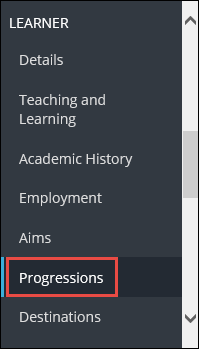
Select the Progressions option in the Learner section of the navigation pane.
The Progress Learner page is displayed, with a list of courses the learner is enrolled on.
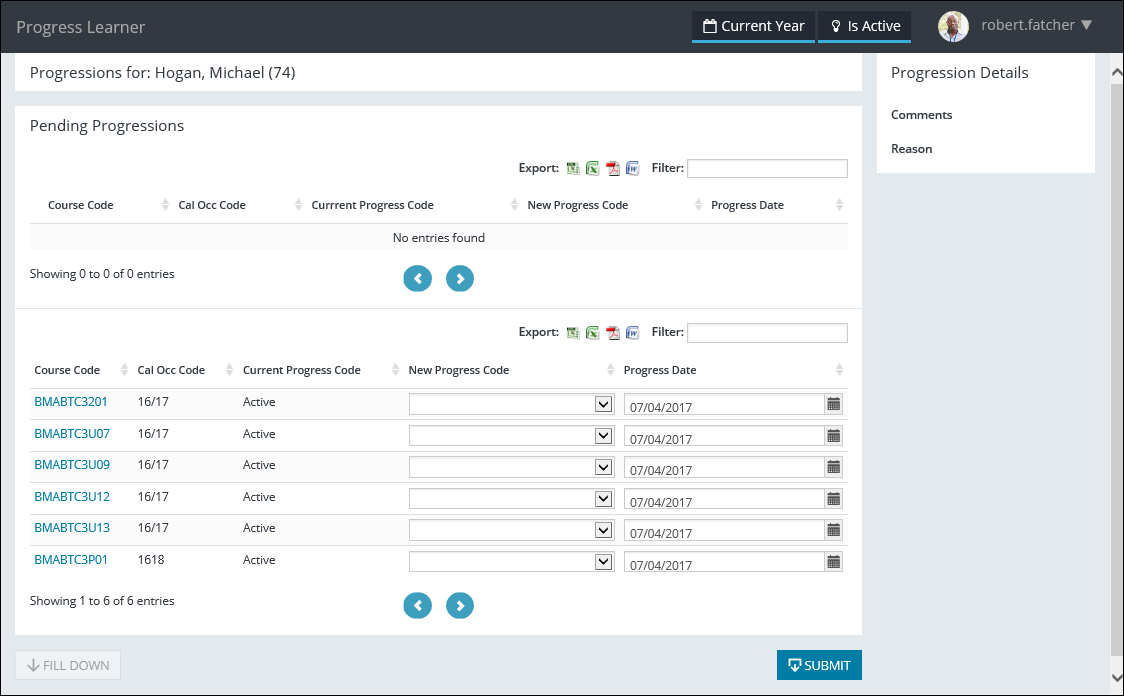
The fields on the Progress Learner page are described in the following table.
| This field | Holds this information... |
|---|---|
| Course Code |
The course code of the learner enrolment (read-only). Important.You can select the course code to view the course on the Course Details page.
|
| Cal Occ Code | The calendar occurrence of the learner enrolment (read-only). |
| Current Progress Code | The current progress code of the learner enrolment (read-only). |
| New Progress Code | The new progress code of the learner enrolment. Select from the drop-down list. |
| Progress Date | The date the change of progress code is applicable from. Select the Calendar button to display the calendar, where the required date can be selected. |
| Comments | Additional comments regarding the progression which can be entered in the Progression Details section of the page. |
| Reason | The reason for the progression which can be entered in the Progression Details section of the page. |
-
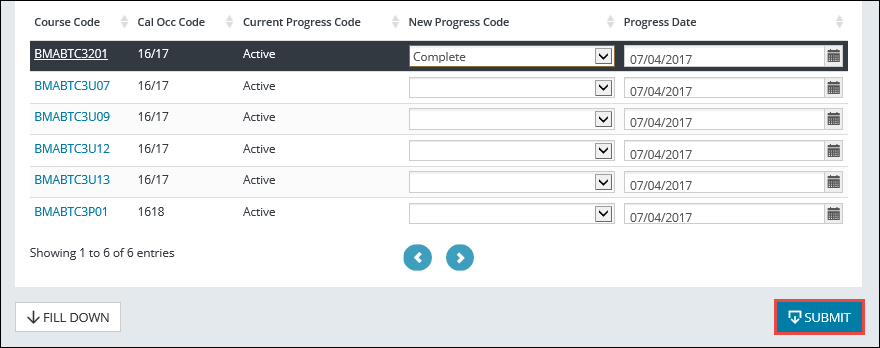
Select the Submit button.
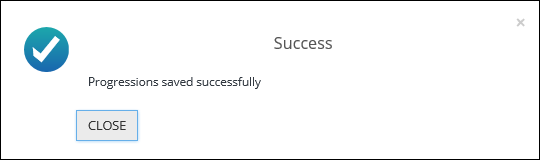
A confirmation message is displayed.
-
Select Close to close the message.
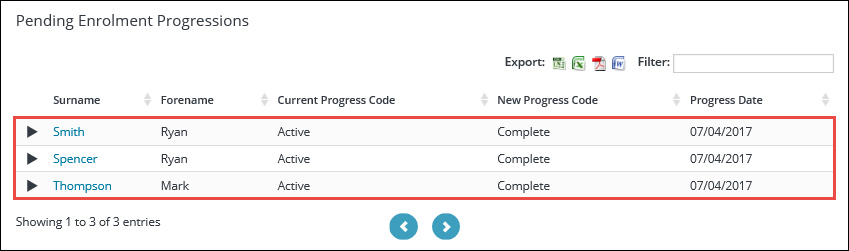
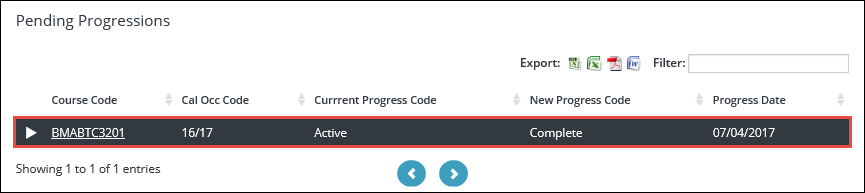
The eProgression is submitted and displayed in the Pending Progressions grid.
From a course
To progress a number of learners on a course:
- Search for and select the required course.
-
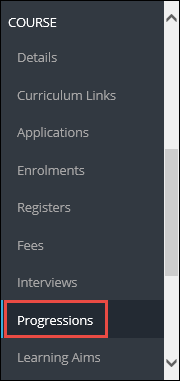
Select the Progressions option in the Course section of the navigation pane.
The Enrolment Progressions page is displayed, with a list of learners enrolled on the course.
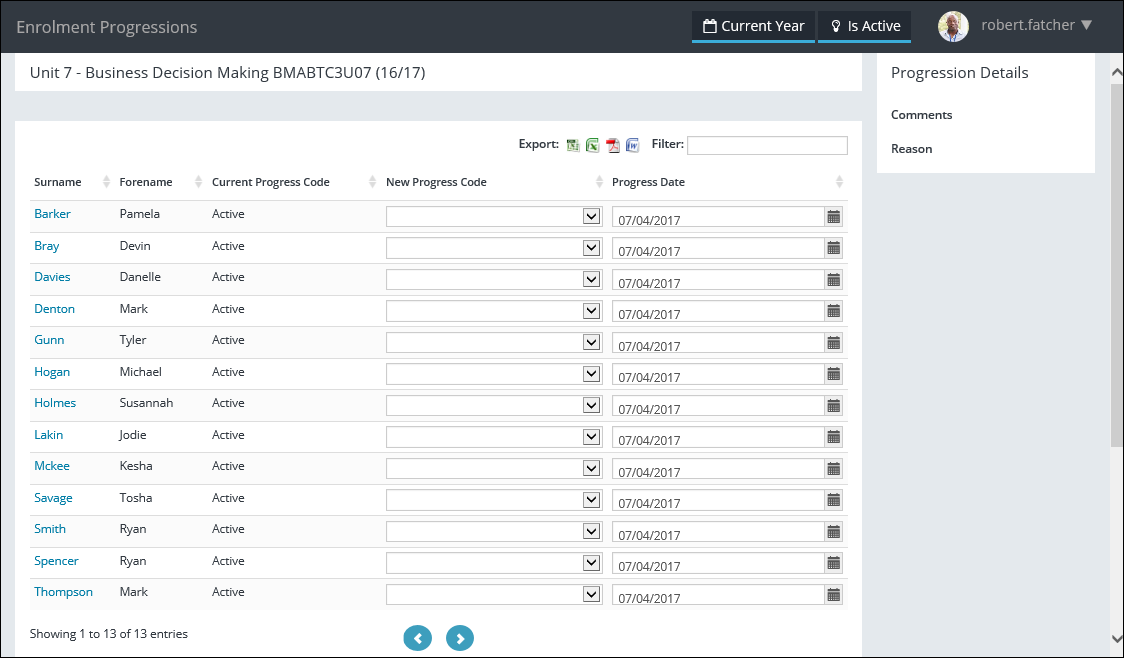
The fields on the Enrolment Progressions page are described in the following table.
| This field | Holds this information... |
|---|---|
| Surname |
The surname of the learner (read-only). Important.You can select the learner surname to view the learner on the Learner Details page.
|
| Forename | The forename of the learner (read-only). |
| Current Progress Code | The current progress code of the learner enrolment (read-only). |
| New Progress Code | The new progress code of the learner enrolment. Select from the drop-down list. |
| Progress Date | The date the change of progress code is applicable from. Select the Calendar button to display the calendar, where the required date can be selected. |
| Comments | Additional comments regarding the progression which can be entered in the Progression Details section of the page. |
| Reason | The reason for the progression which can be entered in the Progression Details section of the page. |
-
If required, select the Fill Down button to flood fill the value to all other rows from the selected cell downwards.
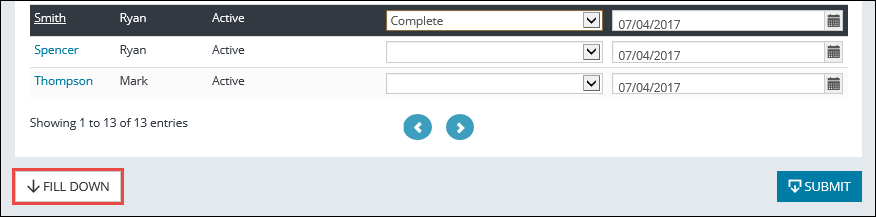
A confirmation message is displayed, with the number of updated rows.
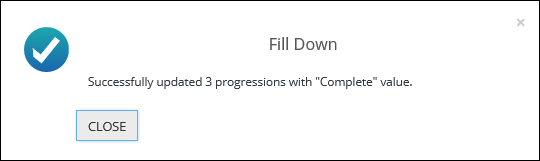
- Select Close to close the message.
-
Select the Submit button.
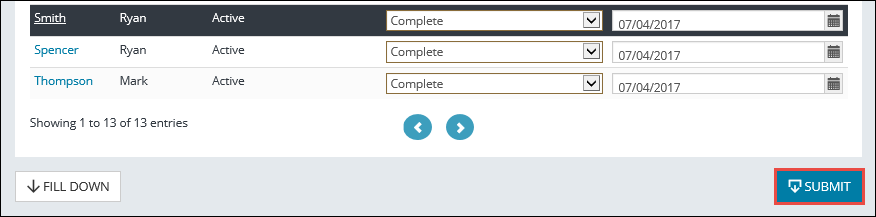
A confirmation message is displayed.
-
Select Close to close the message.
The eProgressions are submitted and displayed in the Pending Enrolment Progressions grid.